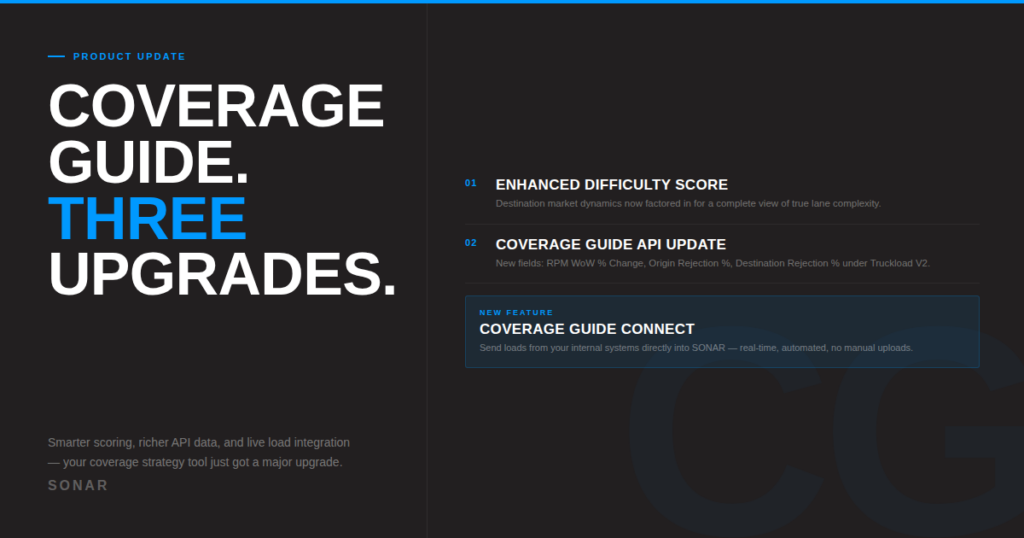
Coverage Guide just got a major upgrade. Here’s what’s new — and why it matters for carrier sales teams.
Carrier sales is a speed game.
The teams that win aren’t necessarily the ones with the most capacity or the best rates. They’re the ones who can evaluate a load faster, position a rate with more confidence, and act before the window closes. Every second spent toggling between systems, manually uploading load data, or working from incomplete lane information is a second someone else is using to cover that freight.
Coverage Guide was built to help with the first part of that problem — giving carrier sales teams a single place to assess market conditions, score lane difficulty, and prioritize which loads to act on. Today, we’re releasing three updates that go significantly further.
Here’s what’s new and what it means in practice.
1. Enhanced Difficulty Score: the full lane, not just half of it
The Difficulty Score in Coverage Guide has always given teams a fast read on how hard a lane is to cover. But until now, that score reflected conditions at the origin — what’s happening at the start of the lane.
The problem is that freight doesn’t end at pickup. A lane that looks manageable out of a loose origin market can become genuinely difficult if the destination is tight, rejection rates are elevated, or capacity is scarce at the delivery end. A carrier sales rep pricing that lane without visibility into the destination was working with half the picture.
The Enhanced Difficulty Score closes that gap.
The updated model now incorporates destination market dynamics alongside origin conditions, producing a score that reflects the true complexity of the full length of haul. Capacity conditions, tender rejection rates, and market tightness at the destination are now factored into how lanes are scored and prioritized.
The practical effect shows up in two places.
Prioritization gets sharper. When difficulty scores more accurately reflect full-lane complexity, the load order changes. Lanes that appeared manageable because the origin was fine — but are actually difficult because the destination is tight — will score higher. Your team acts on the right loads first, not the loads that look right based on incomplete data.
Negotiation positioning improves. When you know a destination market is constrained, you negotiate differently. You hold rate. You push back on tight timelines. You make different capacity decisions. The Enhanced Difficulty Score gives your team the context to have those conversations from a position of knowledge rather than instinct.
The updated guidance in Coverage Guide reflects both origin and destination conditions — so the direction your team receives isn’t just “this lane is difficult,” it’s guidance informed by what’s driving that difficulty on both ends.
2. Coverage Guide API Update: three new fields, one more complete picture
For teams that have built Coverage Guide data into internal tools — pricing engines, automation workflows, TMS integrations, decision support dashboards — this update delivers meaningful new depth.
Three new fields are now available under the Truckload V2 Coverage Guide endpoint:
RPM WoW % Change. Week-over-week rate per mile movement at the lane level. This field gives teams building rate tools a direction signal — not just where rates are, but which way they’re moving and how fast. For pricing workflows that need to adjust dynamically with market conditions, trend direction is often as important as current level.
Origin Rejection % (formerly Outbound Rejection %). The same rejection rate data you’ve had access to, now with a clearer label that reflects what it actually measures. The rename to Origin Rejection % aligns with how the field is used in context and makes the data more intuitive to work with in integrations.
Destination Rejection %. This is new. Tender rejection rate data for the destination market — the same bidirectional view the Enhanced Difficulty Score now uses, now available via API. For teams embedding Coverage Guide data into pricing or automation tools, destination rejection adds the missing half of lane intelligence to every API call.
Together, these fields give API consumers the same complete, bidirectional lane picture that the enhanced UI scoring delivers — which matters for any team that uses Coverage Guide data outside of the SONAR interface itself.
3. Coverage Guide Connect: your load board, live inside SONAR
This is the one that changes how the whole workflow operates.
Coverage Guide has always required teams to bring context about their own freight — manually, intermittently, imperfectly. You’d look up a lane, pull in market data, cross-reference your internal board, and build a picture from pieces. The data was right. The process was slow.
Coverage Guide Connect eliminates that friction entirely.
Connect is an API-driven integration that allows you to send your loads directly from your TMS or internal systems into SONAR, where they appear automatically in the Coverage Guide UI — enriched with real-time market data, difficulty scores, rate benchmarks, and coverage guidance.
Your freight and the market, together, continuously, in one place.
How it works
The mechanism is straightforward: you push loads to SONAR’s ingest API from wherever your freight lives — your TMS, your internal load board, your proprietary system. Those loads appear in Coverage Guide automatically and immediately, paired with the market intelligence SONAR already delivers.
Updates can be pushed as frequently as you need. If a load changes, the board updates. If capacity shifts, the guidance updates. The connection is continuous, not a one-time import.
What this unlocks
The shift here is more than operational efficiency — it’s a change in how carrier sales teams relate to their tools.
When your freight is always visible in Coverage Guide, automatically enriched by market data, the tool stops being something you check and becomes something that works alongside you. Your reps aren’t going to Coverage Guide to research. They’re going to Coverage Guide to act — because their loads are already there, already scored, already contextualized against the market.
The specific gains:
Faster prioritization. When every load on your board is already visible in Coverage Guide with a difficulty score and market context, your team doesn’t decide what to work on by scanning a spreadsheet. They act on what’s already been scored and prioritized for them.
Better pricing decisions. Each ingested load is paired with rate benchmarks and coverage guidance from SONAR. Your reps are pricing with current market data on every call, not working from memory or yesterday’s market read.
Aligned operations. When your internal load board and SONAR’s market intelligence exist in the same interface, your team operates from a single unified view rather than two disconnected ones. That alignment compounds — across shifts, across reps, across decisions.
Eliminated friction. Manual uploads, copy-paste workflows, data that’s already stale by the time it’s entered — all of it goes away. The connection is automated and continuous.
The thread connecting all three updates
It’s worth stepping back and seeing what these updates have in common.
All three move in the same direction: from partial information toward complete information, and from manual processes toward automated ones.
The Enhanced Difficulty Score adds the destination half of the lane picture that was previously missing. The API update adds destination rejection data alongside origin data. Coverage Guide Connect adds your live freight to the market data that was already there.
Each update closes a gap. Taken together, they add up to a Coverage Guide that is more accurate, more complete, and more deeply integrated into the workflow of a carrier sales team than it has ever been.
Getting started
The Enhanced Difficulty Score and updated API fields are live now for current SONAR subscribers — no action required to access the updated scoring. API consumers should review the new fields available under the Truckload V2 Coverage Guide endpoint.
Coverage Guide Connect is available for teams with API access. To get started or learn more, visit gosonar.com or reach out directly at bd@gosonar.com.